

AgentKit lets you run your own backend for live voice conversations. Rapida handles telephony + STT + TTS, while your server handles reasoning and tool execution over a bidirectional gRPC stream. With AgentKit, you can connect any LLM backend with Rapida over gRPC.Documentation Index
Fetch the complete documentation index at: https://doc.rapida.ai/llms.txt
Use this file to discover all available pages before exploring further.
Quickstart
Create an AgentKit assistant in Rapida
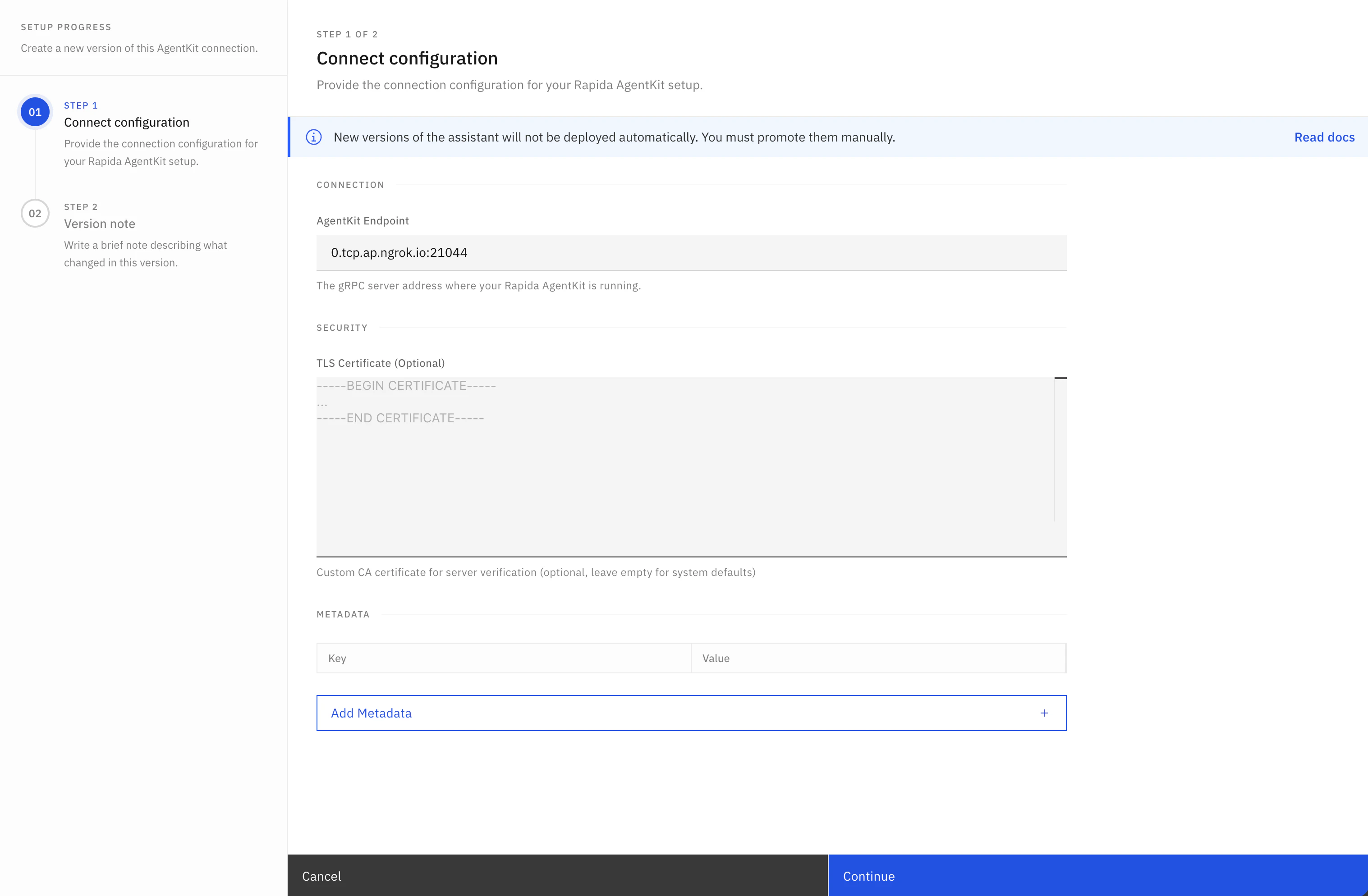
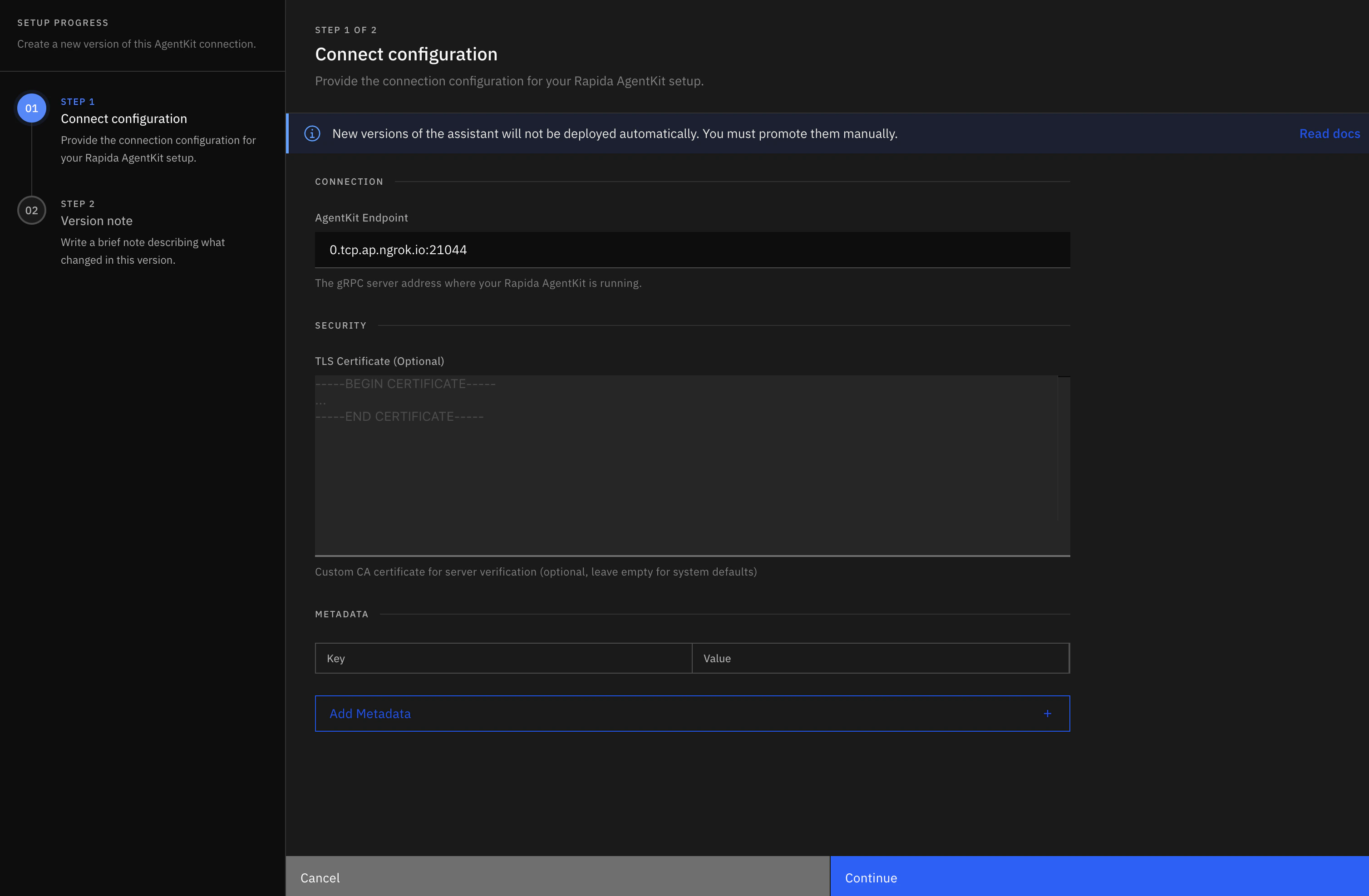
- Open your Rapida dashboard and create (or edit) an assistant.
- In provider/model settings, choose AgentKit as the LLM backend.
- Configure the AgentKit connection:
- URL: your gRPC server address (for example:
your-host:50051) - Auth token: if your server enforces token auth
- TLS certificate settings: if your server uses TLS
- URL: your gRPC server address (for example:
- Save the assistant version and release it.
- Attach your voice deployment channel (phone/web/etc.) to this version.
Your AgentKit server must be reachable from Rapida network. Localhost works only for local development setups where connectivity is bridged.
Start from official examples
Use the Python or Node.js starter depending on your backend stack.Node.js reference implementation:
agentkit/index.js.Implement required stream flow
Implement Node.js servers implement the same flow by extending
Talk(...) using the lifecycle contract described in Stream Lifecycle below.Minimum required order:- handle
initializationfirst and acknowledge it - handle optional
configurationupdates - process
messageturns and stream assistant/tool outputs
AgentKitAgent and writing responses to the gRPC stream:Implement tool lifecycle
For each tool execution in your backend:For call-ending directives (
- emit
tool_call(...) - execute tool locally
- emit
tool_call_result(...) - continue assistant response (or send call directive)
END_CONVERSATION / TRANSFER_CONVERSATION), include toolId and name in the directive payload.Stream Lifecycle
The AgentKit stream is long-lived and stateful. Treat it as a lifecycle, not as isolated RPC requests.Lifecycle phases
| Phase | Inbound frame from Rapida | Outbound frame from your backend | Required | Purpose |
|---|---|---|---|---|
| 1. Handshake | initialization | initialization_response(...) | Yes | Establish conversation identity and runtime context. |
| 2. Runtime config | configuration | configuration_response(...) | Optional | Apply stream-mode/runtime updates. |
| 3. User turn | message | assistant_response(...) chunks + final | Yes (per turn) | Return assistant output for each user turn. |
| 4. Tool execution | Internal tool decision during turn | tool_call(...) then tool_call_result(...) | Optional | Report tool lifecycle and results. |
| 5. Call directive | Internal decision to transfer/end | toolCall with action + toolId + name | Optional | Signal call transfer or termination. |
| 6. Termination | Client/server closes stream | none (or final error/event) | Yes | End stream cleanly and release resources. |
Turn-level sequence (recommended)
- Receive
messageand extractmsg_id+ text. - Emit one or more
assistant_response(..., completed=False)chunks. - If tool is needed:
- emit
tool_call(msg_id, tool_id, name, args) - execute tool
- emit
tool_call_result(msg_id, tool_id, name, result, success=...)
- emit
- Emit final
assistant_response(..., completed=True)for that turn. - Repeat for next
messageframe until stream closes.
State and correlation rules
initializationis always first and must be acknowledged.assistant.id,toolCall.id, andtoolCallResult.idshould match the currentmessage.id.tool_idmust be stable betweentool_callandtool_call_result.- Final assistant frame per user turn must set
completed=True. - For call-ending/transfer directives, include
toolIdandnamefor correlation.
Request Types (TalkInput)
| Request Type | What it is | Why it exists | What your backend should do |
|---|---|---|---|
initialization | First frame of every stream (assistantConversationId, assistant metadata, runtime args). | Establishes conversation/session context before user turns start. | Always acknowledge using initialization_response(request.initialization). |
configuration | Optional runtime configuration update frame. | Allows stream behavior updates mid-session. | Acknowledge with configuration_response(request.configuration). |
message | User turn payload (id, text/audio, completed, time). | Carries the actual user input to process. | Parse with helpers (is_text_message, get_user_text, get_message_id) and emit assistant/tool responses. |
Response Types (TalkOutput)
| Response Type | What it is | Why it exists | When to emit |
|---|---|---|---|
code / success | Base response envelope fields. | Standard status signaling for each frame. | On every response (200/true by default). |
initialization | Initialization acknowledgement payload. | Confirms handshake accepted. | Via initialization_response(...). |
assistant | Assistant chunk/final text (id, text, completed). | Streams voice response content back to Rapida. | Via assistant_response(...) for chunks and final frame. |
toolCall | Tool lifecycle or directive event (id, toolId, name, action, args). | Announces tool start or call-level action (transfer/end). | Via tool_call(...) or explicit directive payload. |
toolCallResult | Tool execution result (id, toolId, name, result). | Closes the tool lifecycle and reports output. | Via tool_call_result(...) after tool execution. |
interruption | Optional interruption signal. | Represents interruption events in stream. | When interruption handling is implemented. |
error | Error frame (errorCode, errorMessage). | Signals unrecoverable backend failures. | Via error_response(code, message). |
Keep the same
tool_id between tool_call and tool_call_result. For call-ending directives, include toolId and name for correlation.Utilities
Response Builder Utilities (AgentKitAgent)
| Utility | Input | What it returns | Why/When to use |
|---|---|---|---|
response(code=200, success=True, **kwargs) | Base status + payload fields | TalkOutput | Low-level custom frame builder. |
initialization_response(initialization) | ConversationInitialization | TalkOutput.initialization | Required ack for first frame. |
configuration_response(configuration) | ConversationConfiguration | TalkOutput ack | Optional config ack frame. |
assistant_response(msg_id, content, completed=False) | message id + text + completion flag | TalkOutput.assistant | Streaming/final assistant text frames. |
error_response(code, message) | code + message | TalkOutput.error | Error signaling in stream. |
tool_call(msg_id, tool_id, name, args) | tool start metadata | TalkOutput.toolCall | Start tool lifecycle event. |
tool_call_result(msg_id, tool_id, name, result, success=True) | tool result metadata | TalkOutput.toolCallResult | Finish tool lifecycle event. |
transfer_call(msg_id, args) | transfer args | TalkOutput.toolCall directive | Transfer call action. |
terminate_call(msg_id, args) | termination args | TalkOutput.toolCall directive | End-conversation action. |
Request Helper Utilities (AgentKitAgent)
| Utility | What it checks/returns | Why/When to use |
|---|---|---|
is_initialization_request(request) | True if initialization frame | First branch in Talk. |
is_configuration_request(request) | True if configuration frame | Handle optional config updates. |
is_message_request(request) | True if message frame | Main user-turn branch. |
is_text_message(request) | True for text turn | Process user text safely. |
is_audio_message(request) | True for audio turn | Handle/decline audio mode explicitly. |
get_user_text(request) | User text or None | Extract text payload. |
get_message_id(request) | Message id or None | Correlate assistant/tool frames. |
get_conversation_id(request) | Conversation id or None | Conversation-scoped state mapping. |
get_assistant_id(request) | Assistant id or None | Logging/routing/debug context. |
Local Development Setup (ngrok)
For local development, expose your AgentKit server to Rapida with ngrok:tcp://0.tcp.ngrok.io:12345
0.tcp.ngrok.io:12345) as the AgentKit URL in your Rapida assistant configuration.
Development notes:
- keep the local AgentKit server running on port
50051during testing - if auth is enabled, set the same token in Rapida AgentKit provider config
- if ngrok restarts, the endpoint changes unless a reserved domain is configured
Example Matrix (GitHub)
Python base path:https://github.com/rapidaai/rapida-python-recipes/tree/main
https://github.com/rapidaai/rapida-nodejs-recipes/tree/main
| Example | Purpose | GitHub |
|---|---|---|
agentkit/index.js | Node.js EchoAgent gRPC server baseline | Open |
agentkit/main.py | Minimal production-style AgentKit baseline | Open |
executor/agentkit/openai-gpt.py | OpenAI chat + tool lifecycle | Open |
executor/agentkit/azure-openai-gpt.py | Azure OpenAI + tool lifecycle | Open |
executor/agentkit/anthropic-claude.py | Anthropic Claude + tool lifecycle | Open |
executor/agentkit/gemini-example.py | Google Gemini + function/tool flow | Open |
executor/agentkit/langchain-agent.py | LangChain orchestrated backend | Open |
executor/agentkit/crewai-multi-agent.py | CrewAI multi-agent orchestration | Open |
executor/agentkit/autogen-collaborative.py | AutoGen collaborative agents | Open |
executor/agentkit/n8n-workflow.py | n8n workflow automation integration | Open |
executor/agentkit/example-with-ssl-option.py | TLS/auth focused server setup | Open |
executor/agentkit/test_client.py | Local stream validation client | Open |
Production Checklist
- handle
initializationfirst on every stream - always send final
assistant_response(..., completed=True) - keep
tool_idconsistent betweentool_callandtool_call_result - include
toolId+namefor call-ending directives - do not hardcode secrets in source code
- configure TLS + auth for production